
Repost license
Request authorization before reposting and retain the authorization code, original URL, and go/affiliate links.
Original URL:https://www.geekcorelab.com/post/why-cdn-makes-website-slower-troubleshooting-guide
The commercial link is an authorized go short link that must stay on the reposted page. It records the source before sending readers to the original article.
What Is a CDN?
First, CDN is not for acceleration. The full name of CDN is Content Delivery Network, which has nothing to do with acceleration at all. So why do 90% of tutorials on the Internet teach you to use a CDN to accelerate your origin server?
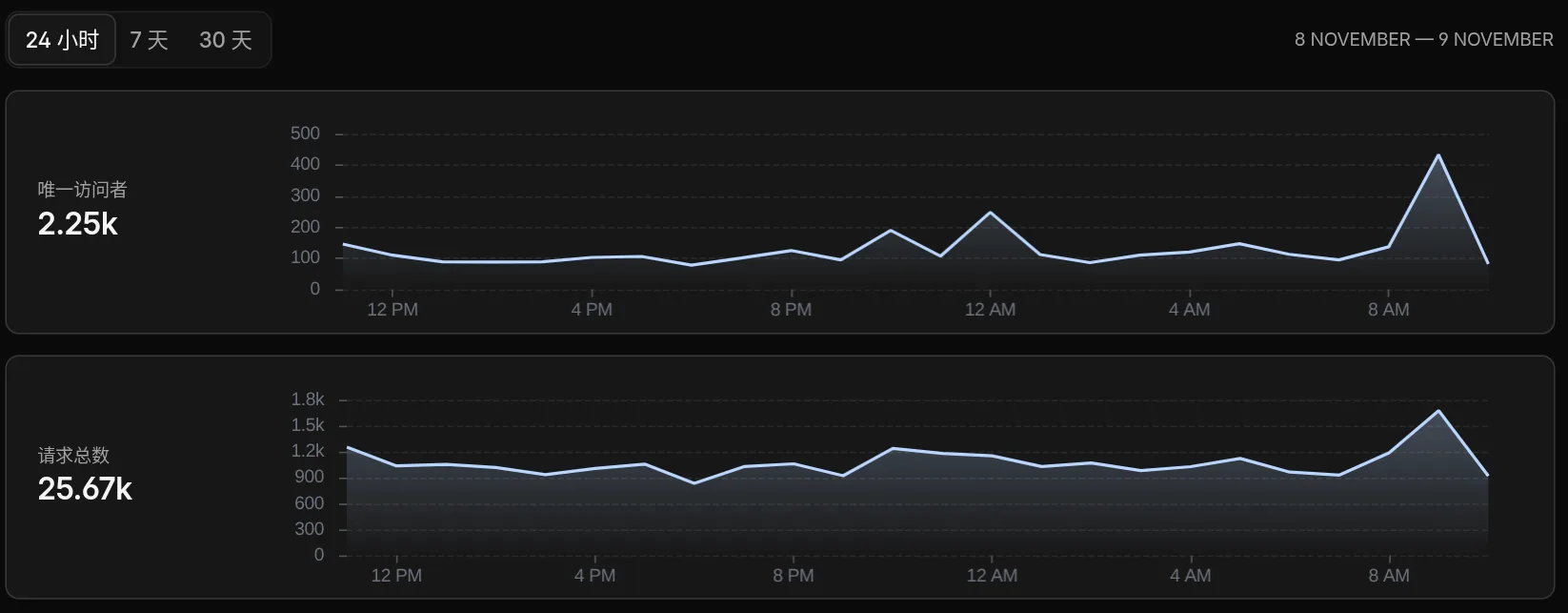
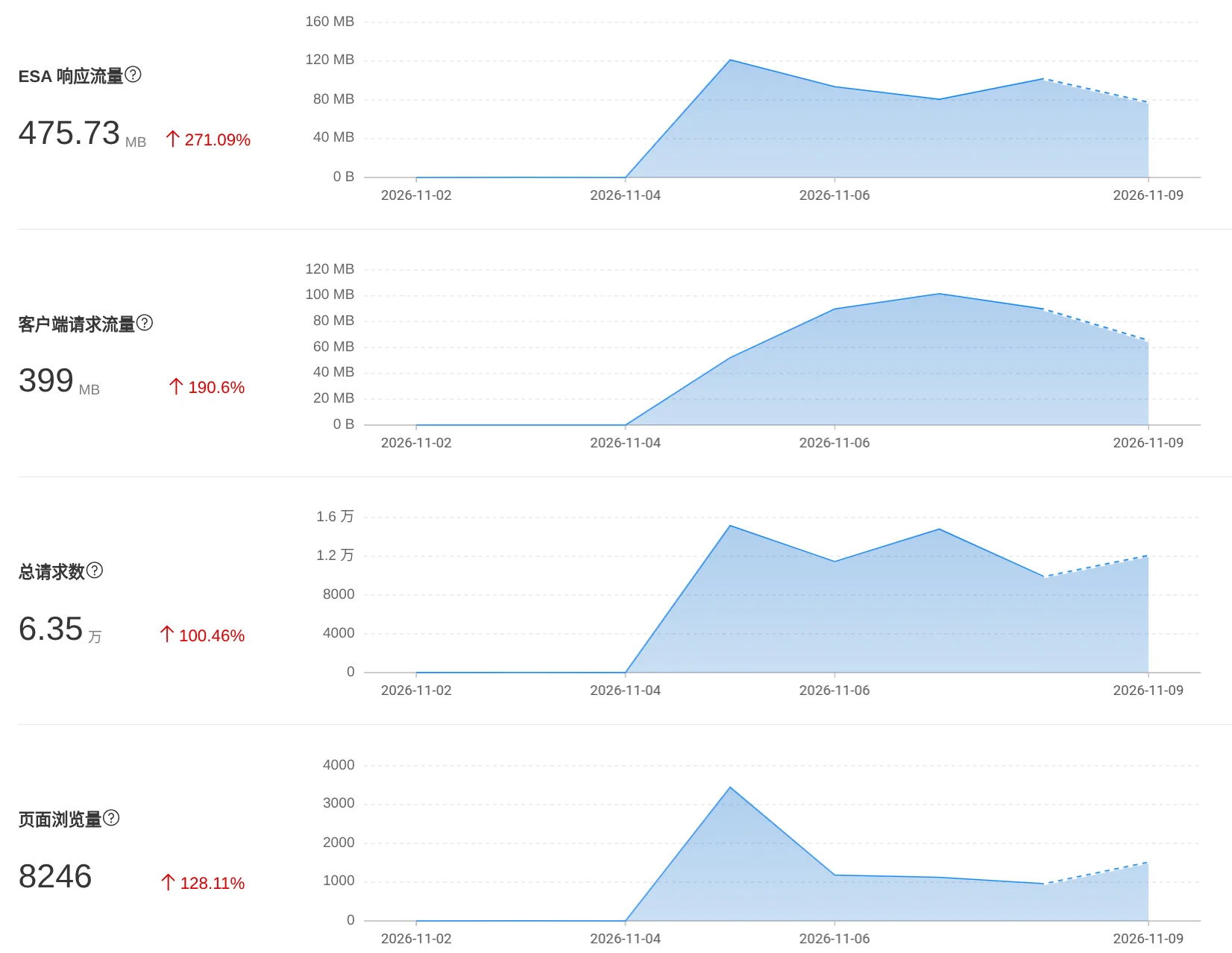
The Root Cause of Slow CDN
To analyze why a CDN is slow, we first need to know what happens after putting a CDN in front.
When a visitor requests the website:
User -> CDN -> website
If the CDN has cached the content normally, the request will end at the CDN and be sent directly to the visitor; but if the CDN has not cached it, the CDN needs to request your origin server first and then send the response to the visitor. At this point, the CDN is acting as a reverse proxy.
At the same time, after adding a CDN, network complexity increases significantly. Your origin server may be on BGP-optimized routes, CN2-GIA optimized routes, etc., but the CDN may not be, and even the CDN's origin-pull path may not benefit from route optimization.
As a result, the user originally connected to your server successfully in 100 ms, but after putting a CDN in front, the user first spends 200 ms connecting to the CDN, and then the CDN spends another 200 ms pulling from the origin. Website performance decreases instead of increasing
How to Solve the Problem of Slow CDN Speeds
First, determine which situation you are in:
Overseas: collectively refers to regions not restricted by the GFW (including Hong Kong, Macao, and Taiwan regions of China)
- Overseas servers without ICP filing providing services globally (including mainland China)
- Overseas servers without ICP filing providing services to overseas users
- Servers in mainland China providing services globally
The latter two cases require almost no special optimization operations; any usage of any CDN can achieve decent results
If it is the first case, pay special attention to server selection. Recommended is 雨云's Hong Kong, China region servers; three-network mixed or three-network direct connection is more friendly to mainland China and can also work well with CDNs like Cloudflare. Enter promo code github to get 50% off the first month.
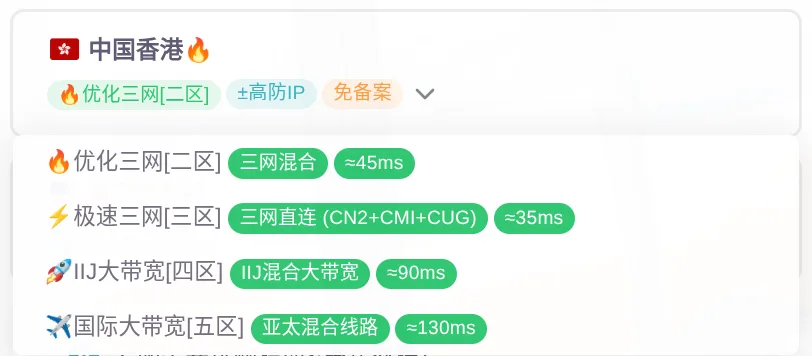
For the first case, when choosing a CDN, follow these two principles as much as possible:
- Mainland China optimization first
- Region-specific resolution
Mainland China Optimization First
Not long ago, Alibaba Cloud, Tencent Cloud, and other vendors were imitating Cloudflare's CDN+DNS operating model, but due to insufficient financial resources and designers who had never used Cloudflare, they respectively designed a CDN cut down to a 'half reverse proxy' and a 'maze console' management page. However, they can still be used for domestic acceleration
However, if you have a favorite DNS provider, it is good to not host DNS with the CDN provider here (i.e., connect via CNAME instead of NS)
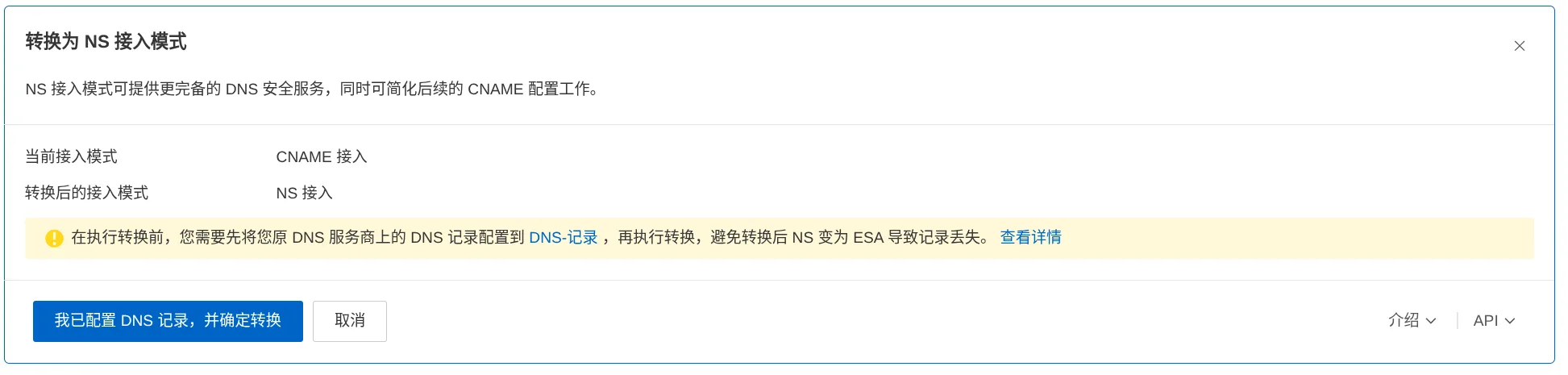
For example, I connected the domain resolution for my domestic site to Cloudflare, but used Alibaba Cloud ESA for the CDN. However, after all, it seems that for Alibaba Cloud, ESA and CDN are two different things
Region-Specific Resolution
Some DNS providers can configure route-specific resolution, but be sure to choose a DNS provider you think is good; I am only demonstrating here

Cloudflare seemingly does not support route-specific resolution; maybe paid subscriptions do, but I have never used a paid subscription. For most domestic vendors, in my attempts, most support route-specific resolution, and you can select fields like this when creating DNS records:
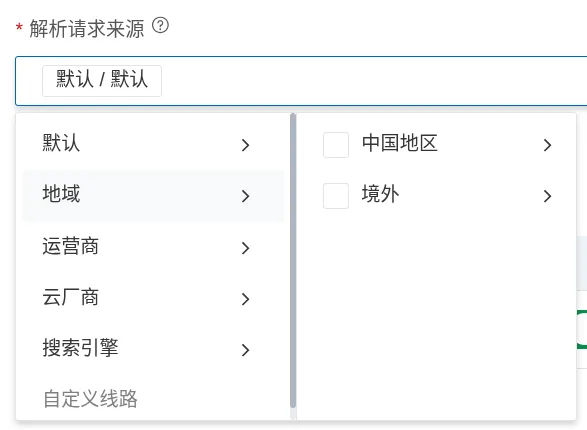
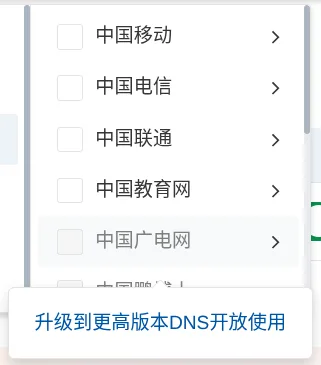
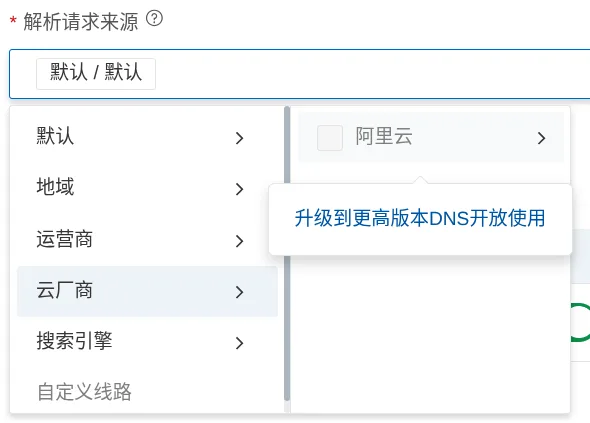
Of course, you can also select more granularly, but the free version can only select up to this granularity, or even
Comments
Discussion
Be kind and keep the discussion friendly.
Discussion
0 comments